


ABC Kids - Tracing & Phonics
4.53.93K Reviews
App Specs
- Version
- Varies with Device
- Updated On
- License
- Free
- Downloads
- 50,000,000+
- Developer
- RV AppStudios
- Categories
- Educational
- Platform
- Android, iOS
Screenshots
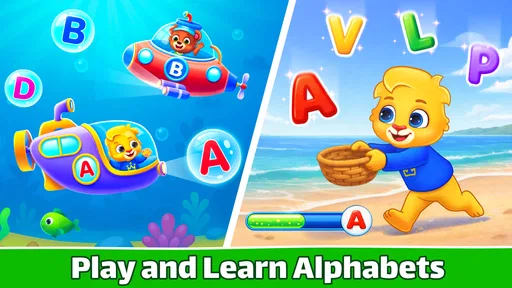
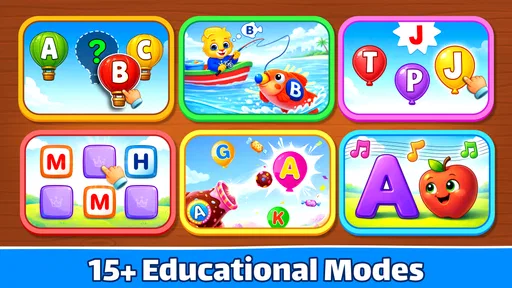
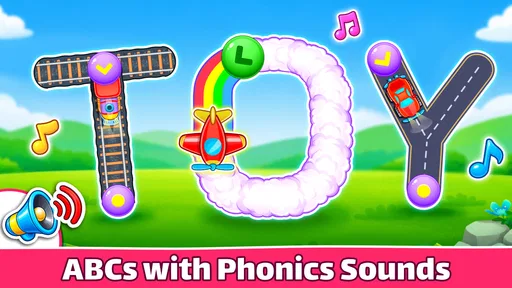
 Analysis by AppCompare
I find that preschool learning apps are most useful when they fit into a child’s ordinary routine rather than turning every quiet moment into a lesson. ABC Kids - Tracing & Phonics is a free educational game from RV AppStudios for children beginning to explore letters, sounds, and early writing. It suits short, supervised practice at home, though I would treat it as a helpful activity rather than a replacement for reading, conversation, or hands-on play.
Making early letter practice feel approachable
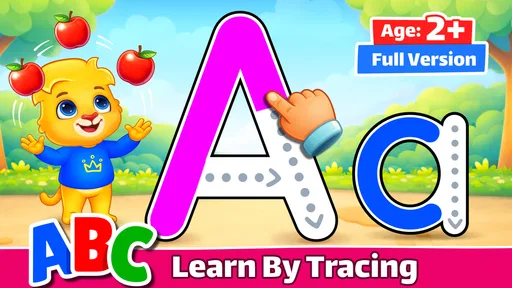
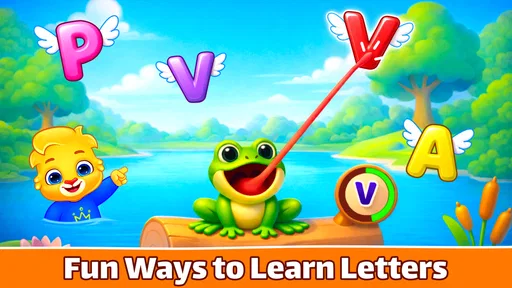
The first thing I notice is how clearly the game centers its activities on the alphabet. Children can look at letters, hear their sounds, and trace their shapes with a finger. That combination gives a young learner more than one way to engage with the same material, which can be useful when a child is not yet ready to sit with a workbook or follow a longer lesson.
In practical terms, I would use it for a brief turn while a parent is nearby: perhaps after breakfast, during a calm stretch before dinner, or while waiting at home for an appointment. The point is not to finish a large amount of content in one sitting. A child can focus on a few letters, stop when attention fades, and return later without needing a complicated setup.
Where children or parents may get stuck
Tracing sounds simple, but a preschooler may not immediately understand that the goal is to follow the letter’s shape rather than swipe quickly across the screen. I would demonstrate one turn slowly, then let the child try. If a trace goes off course, a calm prompt to start at the indicated point is more useful than taking over the device; the child needs room to build control at their own pace.
Another common snag is expecting the game to teach every part of reading. Letter recognition and sound awareness are useful starting points, but children also benefit from hearing an adult say a word, spotting a letter in a book, and talking about what they notice. I see the app as one small practice tool in that wider routine, not a complete literacy course.
Simple setup and a more useful routine
The game is rated for Everyone and is intended for young children, but I would still set it up and explore it with an adult present before handing over the device. Check that the app opens properly, that the sound is at a comfortable level, and that the child can reach the activity you want them to try. These basic checks help avoid confusing a device or audio issue with a learning problem.
A useful approach is to connect screen practice with something away from the screen. If a child traces a letter, invite them to find the same shape on a page or point to it on a familiar label. This small bridge makes the activity feel less like tapping for its own sake and gives you a chance to see whether the child recognizes the letter outside the game.
Worth Reading Before You Choose

EA SPORTS FC Mobile 26 Is a Bigger Football Game, but It Takes Time

Flipboard Shows What News Apps Must Do Beyond the Feed

Switching to Android Auto Means Rethinking Your Driving Routine

Google Calendar Makes a Crowded Week Easier to Manage

Ludo King Makes the Most of the Minutes Between Plans

Baby Panda World Brings Quick Play to Modern Phones, but Its Game Library Feels Busy
When a session does not go as planned
If a child loses interest, I would stop rather than insist on finishing. A short pause, a different letter, or returning another day may work better than repeating the same activity until frustration sets in. Young children vary in how long they can focus, and an app cannot tell a parent whether a particular moment is right for practice.
If something appears unresponsive, first check the ordinary possibilities: whether the device is reacting to touch elsewhere, whether the volume is turned down, and whether reopening the game helps. If the problem continues, restarting the device or checking for an available app update is a sensible next step. These are general troubleshooting steps, not a guarantee that every issue has the same cause.
How it compares with other early-learning choices
Compared with alphabet videos, tracing gives a child an active task instead of asking them only to watch and listen. Compared with paper worksheets, it offers audio and immediate on-screen interaction, while paper gives more room for varied pencil movements and does not depend on a screen. I would choose between them based on the child’s mood and purpose: the game for a brief guided turn, a book or paper activity when I want shared conversation or a break from devices.
It is especially suitable for families looking for a straightforward introduction to letter shapes and sounds, including children who enjoy tapping and tracing. It is less suitable as the only learning resource, for a child who becomes overstimulated by screen activities, or when the goal is extended handwriting practice with a pencil. In those cases, reading together, drawing, or using physical letter materials may be a better fit.
What the numbers say—and what they do not
With an average rating of 4.6 from around 89,000 ratings and more than 50 million installs, it has clearly reached many families. Those figures can help show that it is an established choice, but they cannot predict whether a particular child will enjoy its pace or respond to its activities. I would make that decision by trying a short session together and watching how the child handles the tracing and sound practice.
The game is free, carries an Everyone age rating, and was released on March 3, 2016. Its current version is 2.3.2, and it requires Android 6.0 or later on Android devices. The broad age label is not a substitute for adult judgment: a parent can still decide when screen time makes sense and stay close enough to help a child who needs guidance.
Engaging learning at its best
ABC Kids - Tracing & Phonics is designed with young learners in mind. The app focuses on making learning fun and interactive, which is crucial for keeping kids engaged. As soon as you open the app, you’re greeted with a colorful and friendly interface that invites kids to play and learn.
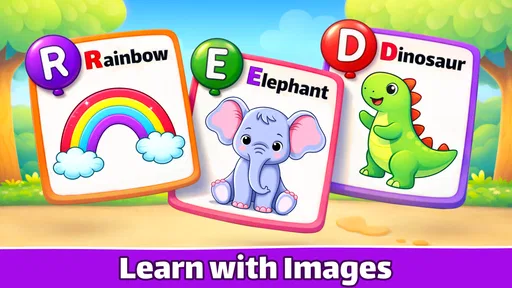
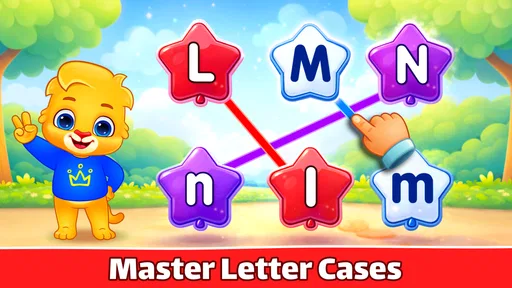
The app covers the basics of the alphabet, offering activities that help kids recognize letters, trace them, and associate them with their corresponding sounds. This multi-sensory approach is fantastic for reinforcing learning, as kids can see, hear, and touch each letter.
Intuitive and kid-friendly design
The design is intuitive, making it easy for kids to navigate on their own. The developers have done a great job ensuring that children can explore without getting lost in a sea of confusing options. Each activity is straightforward, with clear instructions and joyful animations that keep things lively.
The tracing feature is particularly impressive. It uses a step-by-step method where kids can trace letters with their finger, receiving immediate feedback. This not only helps with letter recognition but also improves fine motor skills, which is a win-win in my book.
A parent's dream
One of my favorite features is the parental control option. It allows you to manage what your child can access, ensuring they stay within the educational zones. Plus, there are no ads or in-app purchases, which is a relief. It’s great to have an app that doesn’t tempt kids into clicking on things that aren’t educational.
Moreover, the app supports multiple languages, which is a sweet bonus if you're keen on introducing your child to new sounds and words from different languages. It’s like a mini language lab in your pocket!
Final thoughts
Overall, ABC Kids - Tracing & Phonics is a top-notch educational app that I’d recommend to any parent looking to give their child a head start in literacy. It’s engaging, interactive, and most importantly, it makes learning fun. Whether you're at home or on the go, this app is a great companion for your child's educational journey.
If you’re interested in checking it out, you can find it available for download on both Android and iOS platforms. Happy learning!
Pros
- Engaging interface for young learners.
- Free access to all features.
- No third-party ads.
- Simple and intuitive navigation.
- Supports multiple languages.
Cons
- Limited customization options.
- No offline mode available.
- Repetitive content over time.
- Requires constant internet connection.
- Limited advanced learning tools.
FAQs for ABC Kids - Tracing & Phonics
What age group is ABC Kids - Tracing & Phonics suitable for?
ABC Kids - Tracing & Phonics is designed primarily for preschoolers and toddlers, typically between the ages of 2 and 5. The app focuses on early learning skills such as letter tracing and phonics, making it an ideal educational tool for young children beginning their literacy journey.
Does ABC Kids - Tracing & Phonics require an internet connection to function?
No, ABC Kids - Tracing & Phonics does not require an internet connection to operate. Once it is downloaded and installed, all features are available offline, allowing children to learn and play without needing a Wi-Fi connection, making it perfect for travel or situations with limited connectivity.
Are there any in-app purchases or ads within ABC Kids - Tracing & Phonics?
ABC Kids - Tracing & Phonics is completely free of in-app purchases and advertisements. This ensures a safe and distraction-free learning environment for children, allowing parents to feel confident that their child is engaging with educational content without interruptions or additional costs.
How does ABC Kids - Tracing & Phonics help in learning phonics?
ABC Kids - Tracing & Phonics uses engaging activities to teach children the sounds associated with each letter of the alphabet. Through interactive exercises, children learn to recognize and pronounce letters correctly, which establishes a strong foundation for reading by helping them understand the relationship between letters and sounds.
Is ABC Kids - Tracing & Phonics customizable for different learning levels?
Yes, ABC Kids - Tracing & Phonics offers different modes and difficulty levels to cater to the varying learning paces of children. This customization allows parents or caregivers to select the appropriate level for their child, ensuring that the activities remain challenging yet attainable as the child progresses.


